
Laptop Screen Flickering, Lines or Black Display in Chennai – Causes, Fixes & Repair Solutions
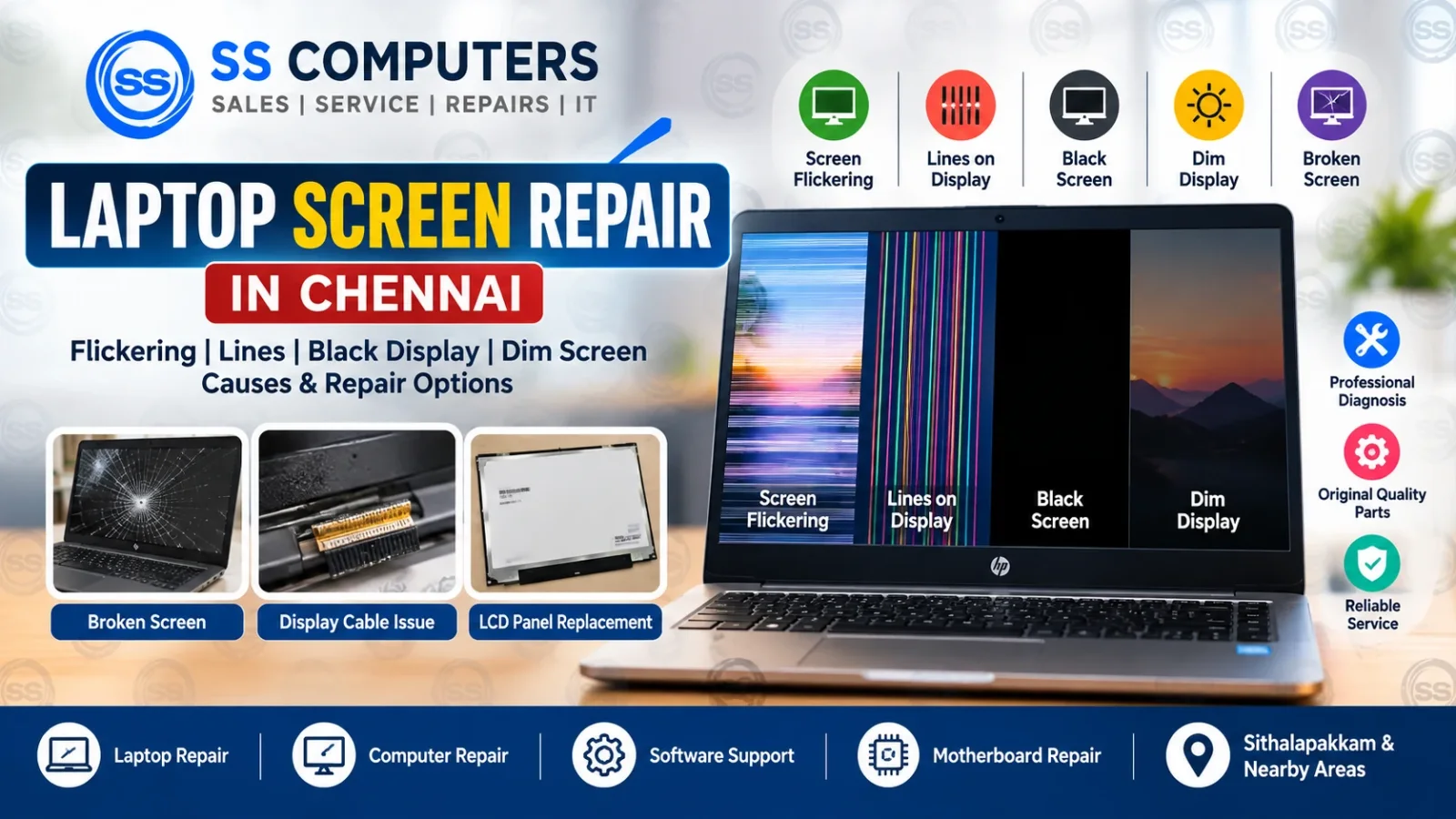
A laptop screen can develop problems suddenly or gradually. You may notice screen flickering, horizontal or vertical lines, a dim display, a black screen, random colours, broken pixels or a cracked panel. Some display problems are caused by the screen itself, while others may come from the display cable, graphics section, RAM, motherboard or software.
SS Computers provides laptop screen diagnosis and repair in Sithalapakkam, Chennai, with support for nearby areas including Medavakkam, Perumbakkam, Ottiambakkam and Sholinganallur.
Before replacing a laptop display, the system should be properly checked so the actual cause can be identified.
For complete laptop troubleshooting, visit our Laptop Repair in Chennai service page.
Common Laptop Screen Problems
Laptop display issues can appear in many ways. Common symptoms include:
- Screen flickering
- Horizontal or vertical lines
- Black screen
- Dim display
- White screen
- Random colours or distorted image
- Cracked or physically damaged panel
- Display working only at certain lid angles
- Screen going blank after startup
- External monitor works but laptop screen does not
If your laptop has any of these symptoms, the display, cable and related hardware should be diagnosed before parts are replaced.
1. Laptop Screen Flickering
Screen flickering may happen continuously or only when the laptop lid is moved.
Possible causes include:
- Loose or damaged display cable
- Faulty LCD or LED panel
- Graphics driver problem
- Refresh-rate or display setting issue
- Graphics hardware or motherboard fault
If the flickering begins after moving the lid, the display cable or hinge area should be inspected first.
For display-related service, visit our Laptop Display Service.
2. Horizontal or Vertical Lines on the Screen
Lines across a laptop screen may indicate a damaged display panel, loose display cable, connector problem or graphics-related fault.
If the lines appear only on the laptop screen but an external monitor works normally, the panel or display cable may be the likely cause.
If the same lines appear on both the laptop screen and an external monitor, further graphics or motherboard diagnosis may be required.
For board-level symptoms, read our Motherboard Repair in Chennai guide.
3. Laptop Turns On but Screen Is Black
A black screen does not always mean the display panel is damaged.
Possible causes include:
- RAM problem
- Display cable fault
- LCD panel failure
- BIOS or startup problem
- Graphics section fault
- Motherboard issue
- Backlight problem
If the laptop powers on but nothing appears on the screen, diagnosis should include RAM, display output, external-monitor testing and motherboard checks.
You can also read Laptop Not Turning On – Common Causes & Repair Options in Chennai.
4. Dim Laptop Display
A screen that is visible but very dark may be related to:
- Backlight failure
- LCD panel fault
- Display cable problem
- Brightness or power setting
- Graphics driver issue
If the image can be seen only under strong light, the backlight or screen assembly may need inspection.
5. Cracked or Broken Laptop Screen
Physical damage is one of the most common reasons for laptop display replacement.
A cracked screen may show:
- Black patches
- Ink-like spreading marks
- Coloured lines
- Dead areas
- No visible image
- Touchscreen failure on touch models
A physically damaged panel usually needs replacement rather than repair.
Before replacing the screen, the exact laptop model, panel size, resolution, connector type and mounting style should be confirmed.
6. Display Works Only When the Lid Is Moved
If the image disappears, flickers or changes when the lid is moved, the display cable may be loose, damaged or pinched near the hinge.
Repeated opening and closing of the laptop can gradually wear the cable.
Hinge damage can also place pressure on the display cable or panel.
For hinge-related problems, see our Laptop Hinges & Panels Service.
7. External Monitor Works but Laptop Screen Does Not
This is an important diagnostic clue.
If the laptop works normally on an external monitor but the built-in screen is blank, flickering or distorted, the issue may be with:
- Laptop display panel
- Display cable
- Display connector
- Backlight circuit
- Screen power section
However, proper testing is still required before replacing the screen.
8. Laptop Display Problem After Windows or Driver Update
Some display problems may be software-related rather than hardware-related.
Symptoms can include:
- Incorrect screen resolution
- Flickering after login
- Blank screen after driver update
- Display scaling problems
- Graphics driver crashes
Before replacing hardware, Windows display settings and graphics drivers should be checked.
For software-related issues, visit our Computer Software Support.
Screen Problem or Motherboard Problem?
Display symptoms can sometimes be confusing because a faulty screen, RAM, graphics chip or motherboard can produce similar results.
A useful diagnosis may include:
- External monitor test
- RAM check
- Display cable inspection
- Screen panel test
- BIOS check
- Graphics driver check
- Motherboard inspection when necessary
If the laptop has no display together with no charging, restart or no-power symptoms, motherboard diagnosis may also be required.
Read our Motherboard Repair in Chennai article for more information.
When Does a Laptop Screen Need Replacement?
A screen replacement may be required when:
- The panel is cracked
- Lines are permanently visible
- Large black patches appear
- The panel has internal damage
- Backlight failure is inside the screen assembly
- A compatible test screen confirms the panel is faulty
If the problem is only a loose cable, software setting or connector fault, full screen replacement may not be necessary.
Our Laptop Display Diagnosis Process
At SS Computers, laptop display problems are checked step by step.
Typical checks may include:
- Inspecting the screen condition
- Checking display cable and connectors
- Testing with an external monitor
- Checking RAM and startup behaviour
- Checking graphics driver and Windows settings
- Testing a compatible display when appropriate
- Inspecting motherboard/display circuits when necessary
The repair option depends on the exact fault, laptop model and availability of compatible parts.
Laptop Screen Repair Service Areas in Chennai
SS Computers is based in Sithalapakkam, Chennai and supports nearby customers from:
Customers can contact us with the laptop brand, model and screen symptoms before visiting.
Laptop Screen Repair FAQ
Why is my laptop screen flickering?
Flickering may be caused by a loose display cable, damaged screen panel, graphics driver problem or graphics-related hardware issue. Testing is required to identify the actual cause.
Why are vertical lines appearing on my laptop screen?
Vertical lines can come from a damaged panel, loose cable, connector problem or graphics fault. External-monitor testing can help narrow down the cause.
Can a cracked laptop screen be repaired?
A physically cracked LCD or LED panel normally requires replacement. The correct compatible panel should be confirmed before replacement.
Why is my laptop screen black but the laptop is running?
Possible causes include RAM, display cable, screen, backlight, BIOS, graphics or motherboard problems. A black screen should be diagnosed before replacing the display.
Do you provide laptop screen repair near Medavakkam?
SS Computers is based in Sithalapakkam, Chennai and supports nearby areas including Medavakkam, Perumbakkam, Ottiambakkam and Sholinganallur.
Related Laptop & Computer Services
For related problems, you may also need:
- Laptop Repair in Chennai
- Laptop Display Service
- Computer Repair in Chennai
- Computer Software Support
- Laptop Hinges & Panels
- Motherboard Repair in Chennai
Need Laptop Screen Repair in Chennai?
If your laptop has a flickering screen, lines, black display, dim screen, broken panel or display cable problem, professional diagnosis can help identify whether the fault is in the screen, cable, software or motherboard.
Book a Service Ticket or Contact SS Computers for laptop display support in Chennai.