
01
Tell us your need
Share the computer model, Windows version and software requirement.
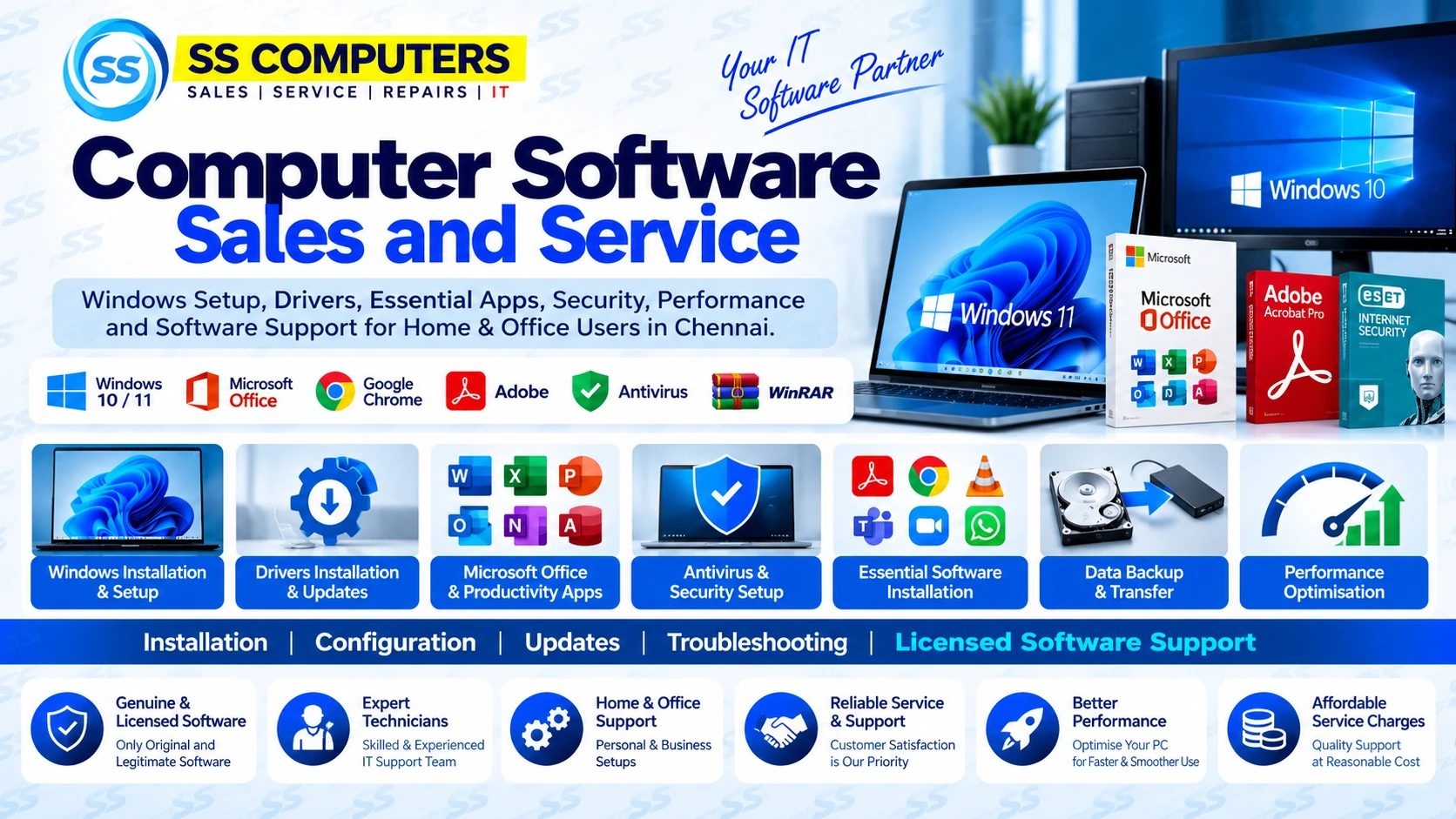
Windows setup, drivers, productivity apps, antivirus, updates, backup and performance support for home and office computers — with proper licensing guidance.
Share the computer model, Windows version and software requirement.
We review hardware support, drivers, storage and software requirements.
Required software and settings are configured carefully and responsibly.
Drivers, updates, essential apps and basic system operation are checked.
From a fresh Windows setup to an existing computer that feels slow or incomplete, we configure the software side around how you actually use the system.
Clean Windows setup, configuration, activation guidance and updates for supported computers.
Display, audio, network, chipset and peripheral driver checks for compatible hardware.
Setup help for productivity, browser, PDF, communication and utility software.
Security settings, updates and protection configuration using legitimate software options.
Assistance moving important user files during upgrades or clean software setup, where practical.
Startup cleanup, storage review and practical software-side tuning for smoother everyday use.
We configure software around what the computer is actually used for instead of installing unnecessary programs.
Study, browser, documents, online meetings, PDF tools and essential utilities.
Productivity, printers, communication, business apps and secure browser configuration.
Everyday browsing, documents, media, backup and safe-use configuration.
Software environment tailored around compatible work applications and requirements.
Drivers, updates, storage, security and application compatibility all affect stability and everyday performance. We check the full software environment before handover.
Windows version, updates and supported hardware are reviewed.
Display, network, audio and device drivers are checked for correct operation.
Basic protection, browser settings and security updates are configured.
Startup items, storage and software-side responsiveness are reviewed.
Commercial software, subscriptions and licence keys must come from legitimate and valid sources. We do not promote cracked or pirated software.
SS Computers supports legitimate software installation and configuration. Commercial software, subscriptions and licence keys must be supplied or purchased through valid sources. We do not promote cracked or pirated software.
Send your PC or laptop model and software requirement on WhatsApp. We’ll guide you on compatibility, setup, licensing and the best next step.
Quick answers to common questions before you contact or visit SS Computers.
Software support can include Windows setup, drivers, updates, essential applications, security configuration, performance tuning and basic backup or transfer assistance.
No. Commercial software, subscriptions and licence keys should come from legitimate and valid sources.
Yes. Driver checks, updates and essential configuration can be completed as part of a setup requirement, depending on the computer and requested work.
Yes. Basic backup or transfer assistance can be included where practical, depending on the computer condition and requested work.