

⏻
No Power / No Display
Not turning on, restarting, shutting down or showing a blank display.
Get It Fixed →
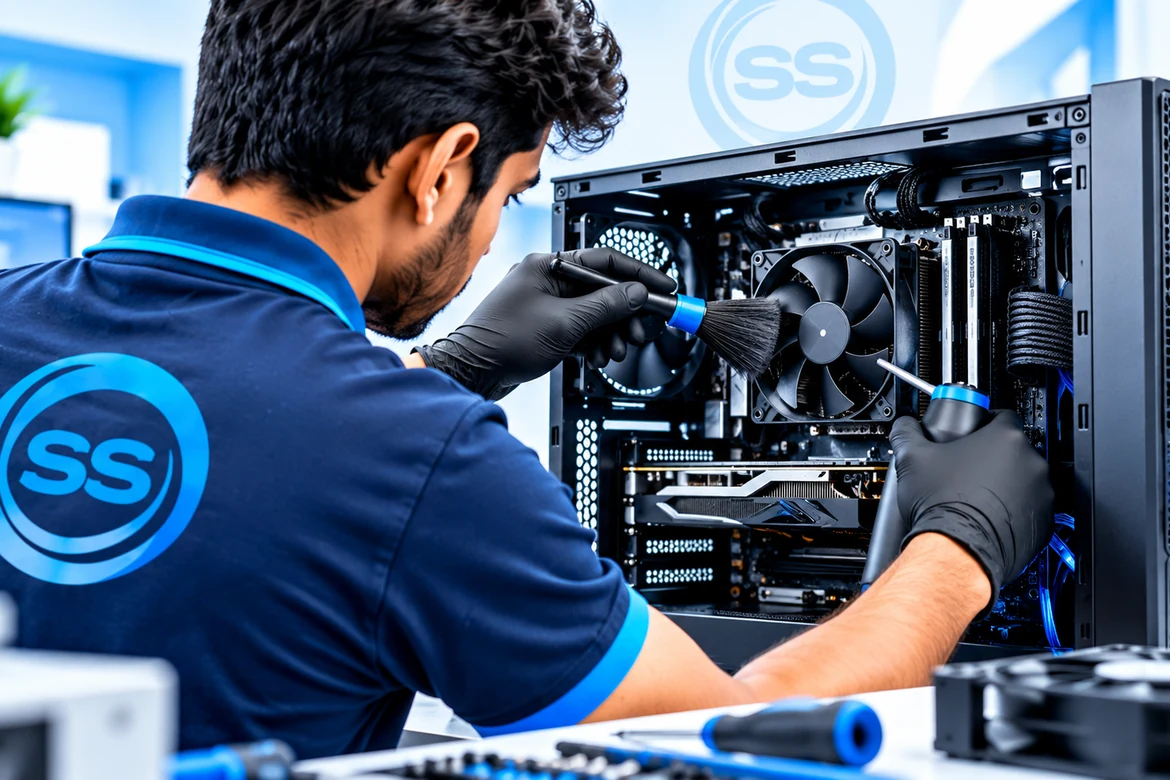
SS Computers provides computer repair in Sithalapakkam, Chennai for home, office and business users. We diagnose no-power faults, slow PCs, Windows and software problems, hardware issues, SSD/RAM upgrades, storage replacement, cleaning and preventive maintenance before recommending the next step.
Nearby service areas: Sithalapakkam • Medavakkam • Perumbakkam • Ottiambakkam • Sholinganallur
 Branded Desktops
 Custom PCs
 Gaming PCs
 Office Computers
 Home PCs
 Monitors & Peripherals
Choose the issue closest to your symptoms. We will inspect the computer before recommending repair, replacement or an upgrade.
Not turning on, restarting, shutting down or showing a blank display.
Get It Fixed →
Slow startup, freezing, lag, high usage or poor everyday performance.
Improve Speed →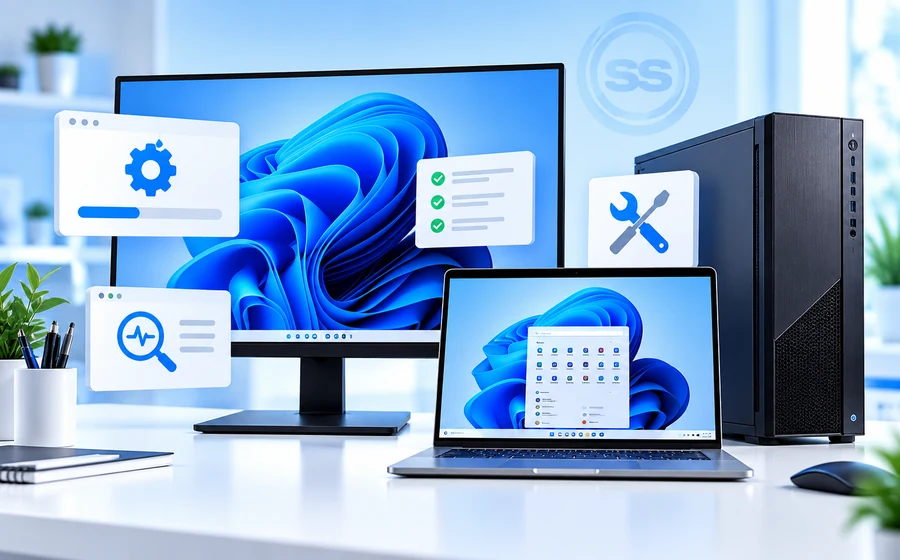
Windows errors, drivers, updates, startup faults and software support.
Get Support →

HDD or SSD replacement guidance after storage health and data-risk checks.
Check Storage →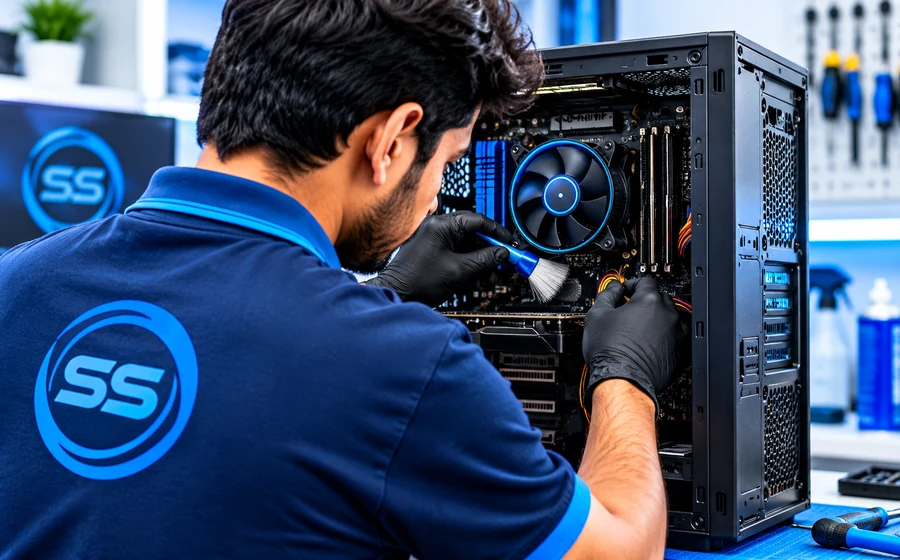
Internal dust cleaning, cooling checks and preventive maintenance.
Book Maintenance →
A simple process that keeps diagnosis and repair decisions clear.
Tell us the symptoms. We inspect the computer to identify the likely cause.
Book Diagnosis →Repair, part replacement or upgrade requirements are discussed before proceeding.
Request Quote →After approved service, the system is tested for normal operation.
Ask a Question →Your repaired computer is prepared for return with the agreed work completed.
Contact Us →We can inspect common desktop issues such as no power, slow performance, startup problems, overheating, storage or memory faults, software issues and upgrade requirements.
We prefer to inspect the system first and explain the likely cause. Replacement recommendations depend on diagnosis, compatibility and parts availability.
If the computer still works, keep a current backup of important files before repair or software work.
AMC and preventive maintenance support is available for suitable home, office and business computer requirements.
Yes. SS Computers is based in Sithalapakkam and supports nearby areas including Medavakkam, Perumbakkam, Ottiambakkam and Sholinganallur for suitable computer repair requirements.