

POWER & STARTUP
Computer Not Turning On
A PC that does not start may need its power cable, switch, SMPS, motherboard or internal connections checked. Diagnosis helps identify the likely fault before parts are changed.
SS Computers offers computer and laptop repairs, upgrades, networking, CCTV and IT support from Sithalapakkam. Call, WhatsApp or visit our store on Ottiambakkam Main Road.
Computer repairs, laptop support, SSD & RAM upgrades, networking, CCTV and IT service from SS Computers, Sithalapakkam.
Choose the service that matches your requirement. We confirm diagnosis, part compatibility and repair feasibility before final work.
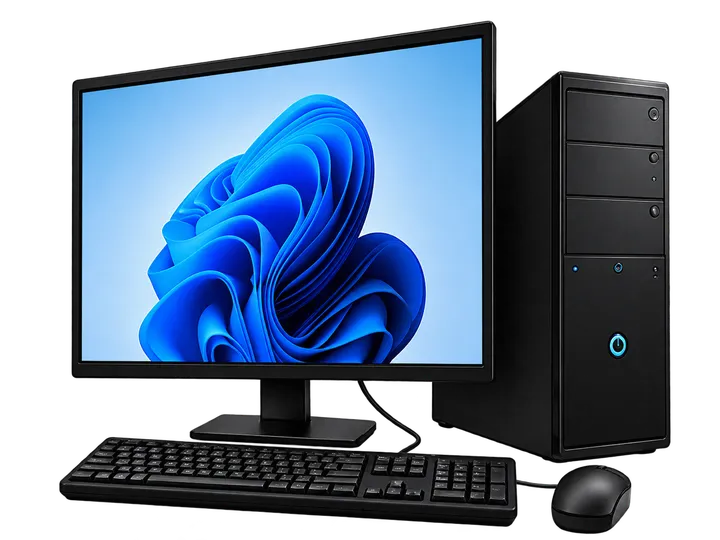
No power, slow PC, Windows issues, RAM, storage and desktop diagnostics.
View Service →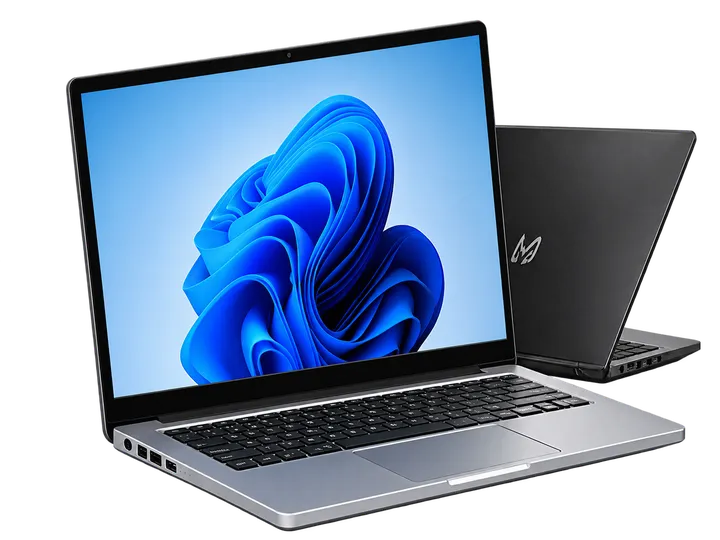
Charging, keyboard, battery, display and performance troubleshooting.
View Service →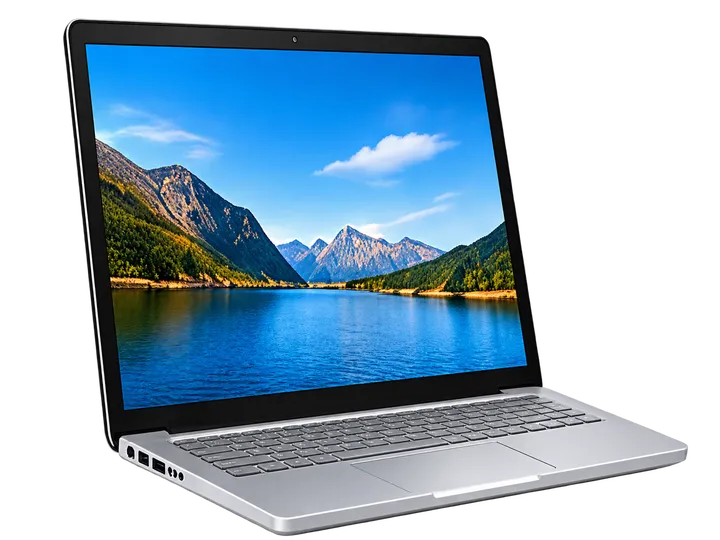
Suitable new and configured systems for home, office and business.
View Service →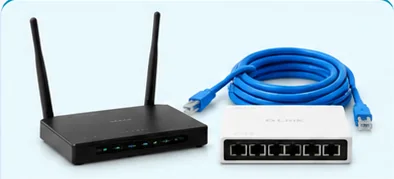
Wi-Fi, LAN, router setup and network troubleshooting.
View Service →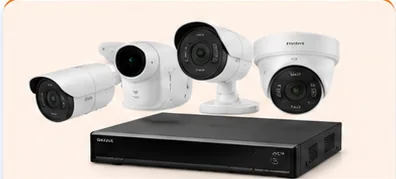
Camera installation and service enquiries for homes, shops and offices.
View Service →
Preventive maintenance and IT support for business requirements.
View Service →When a desktop becomes unreliable, the same symptom may have several causes. SS Computers can discuss your symptoms and check the system before recommending repair, compatible parts or replacement.
A PC that does not start may need its power cable, switch, SMPS, motherboard or internal connections checked. Diagnosis helps identify the likely fault before parts are changed.
When the system powers up but the monitor stays blank, possible checks include monitor input, cables, RAM, display output and other components. The symptoms guide the inspection.
Long startup times, frequent hanging and slow applications can be related to storage health, memory, software load or other issues. We can assess whether servicing or an SSD/RAM upgrade is suitable.
Dust buildup, poor ventilation and cooling problems may contribute to overheating, unexpected shutdowns or noise. Inspection can help determine appropriate cleaning and cooling maintenance.
Boot errors, driver problems, update failures and application issues may need software troubleshooting. Data protection and the condition of the storage drive should be considered before major changes.
Disconnected Wi-Fi, unreliable LAN, undetected USB devices or peripheral problems can involve settings, drivers, cables, adapters or hardware. We can help identify the next step.
Not every slow computer needs to be replaced. Depending on its model, hardware condition and intended workload, a suitable upgrade or maintenance service may help extend its usefulness.
Check whether your desktop supports a SATA or NVMe SSD and discuss storage capacity, operating-system setup and options for moving important files.
Review supported memory type, capacity, available slots and compatibility before selecting RAM for everyday applications or multitasking.
Dust removal, airflow checks and suitable cooling maintenance can form part of regular desktop care, especially when a system runs hot or becomes noisy.
Discuss Windows, drivers, printer connections, applications and basic device configuration. Software installation and licensing depend on the customer's requirements.
For offices and small businesses near Sithalapakkam, we can also discuss practical preventive-maintenance and IT support requirements. Service scope, visit arrangements and timings are confirmed before work.
Explore IT Maintenance (AMC) →Looking for a replacement part or support for a faulty desktop? SS Computers can help you identify the correct component, discuss compatibility and decide whether inspection, repair or replacement is appropriate. For customers searching for computer service near me in Sithalapakkam and surrounding South Chennai areas, this guide explains common spare parts and repair enquiries. Availability and service feasibility are confirmed before work.
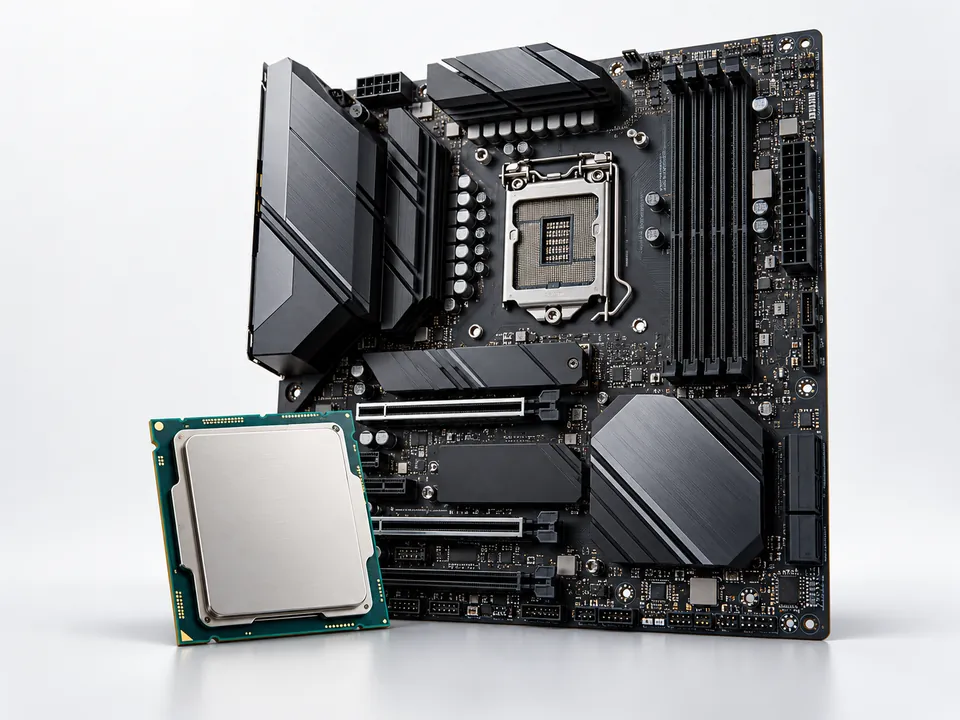
The CPU processes instructions while the motherboard connects memory, storage and other hardware. For no-boot, random shutdowns or upgrade enquiries, the socket, chipset, BIOS support and power requirements should be checked before selecting parts.
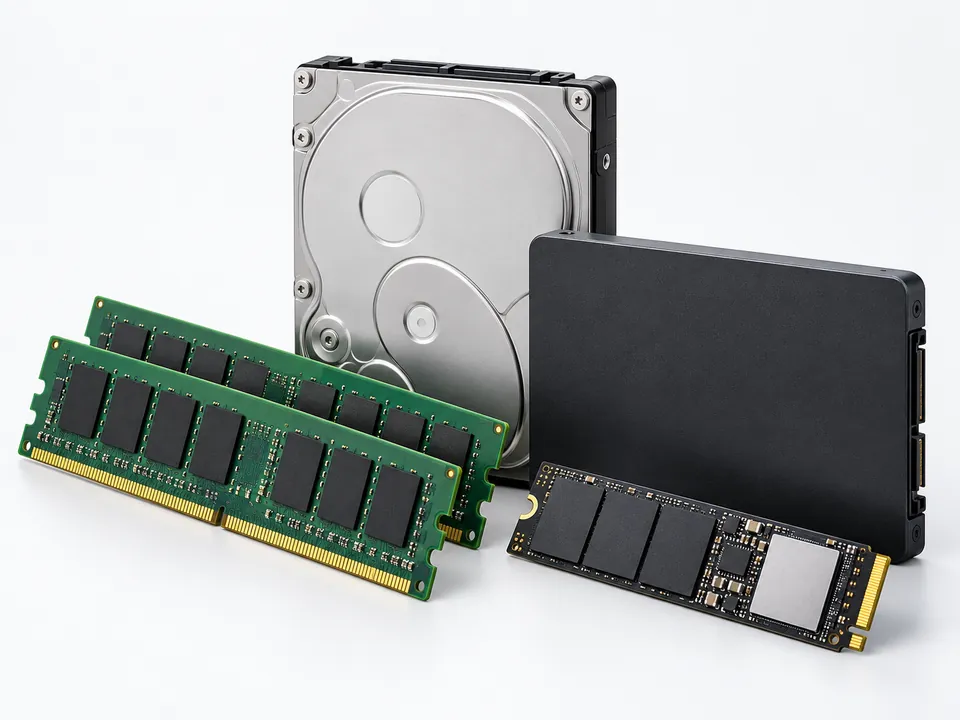
RAM supports multitasking, while HDDs and SSDs store Windows, programs and files. We can discuss compatible DDR memory, SATA or NVMe storage, drive health checks and backup precautions before replacement or upgrading.

The desktop SMPS powers internal components; the heatsink and fan help manage processor temperatures. No-power symptoms, abnormal fan noise and overheating can require inspection of cables, airflow, cooling assemblies and suitable power-supply ratings.
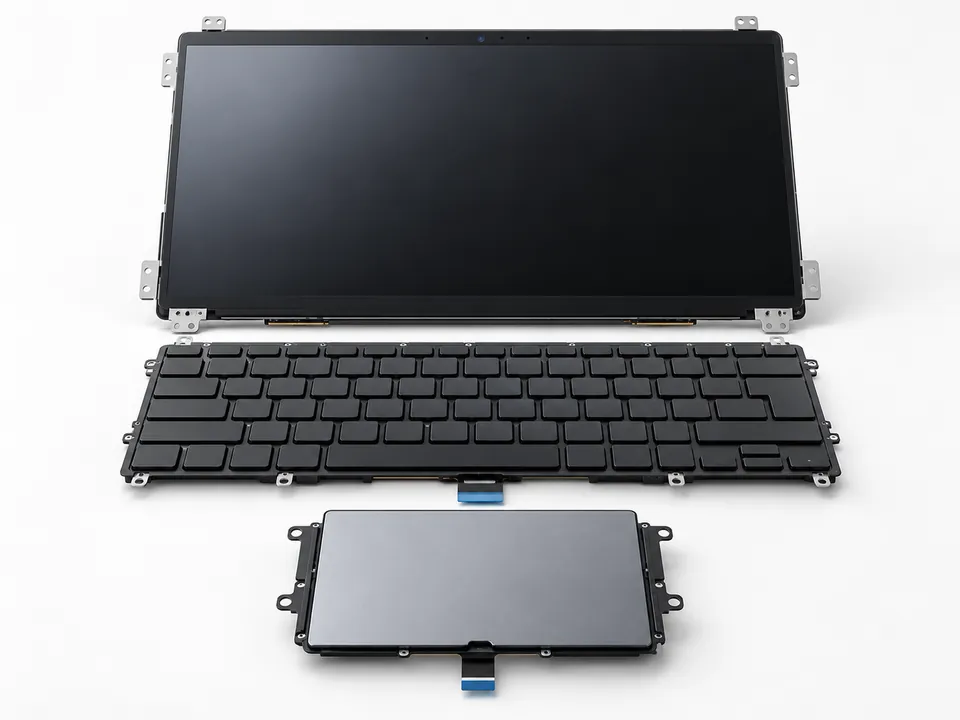
For a blank or damaged screen, unresponsive keyboard or faulty touchpad, we can discuss diagnosis and compatible replacement assemblies. Laptop display panels, keyboard layouts and connector types vary by model.
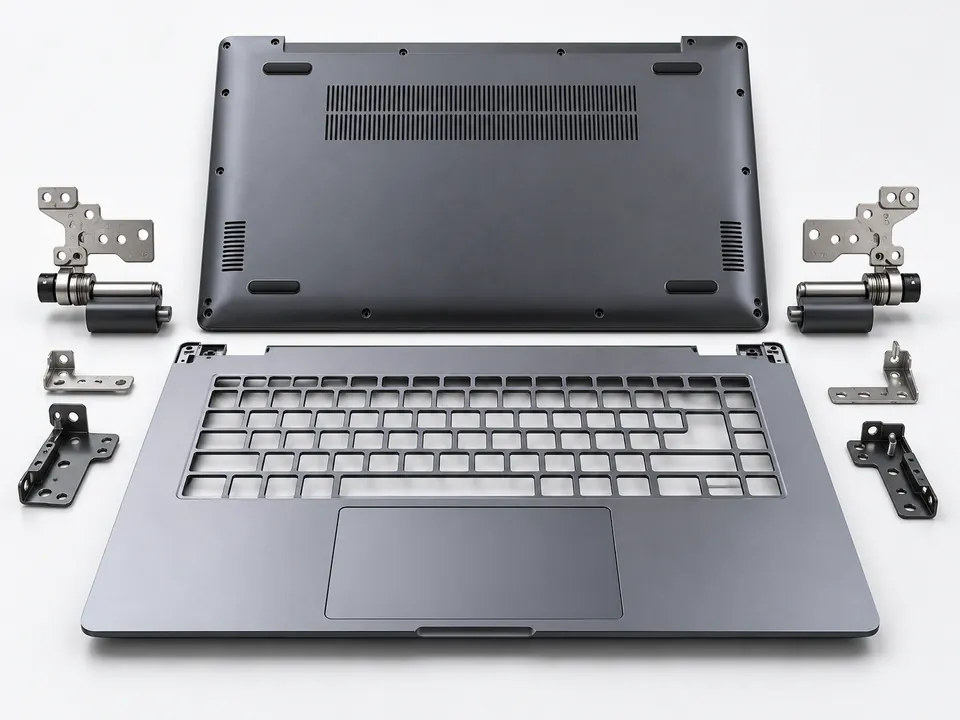
Loose hinges, broken mounting points or damaged laptop casings can affect safe opening and closing. The correct chassis, brackets, palmrest and base assembly must match the laptop's specific make and model.
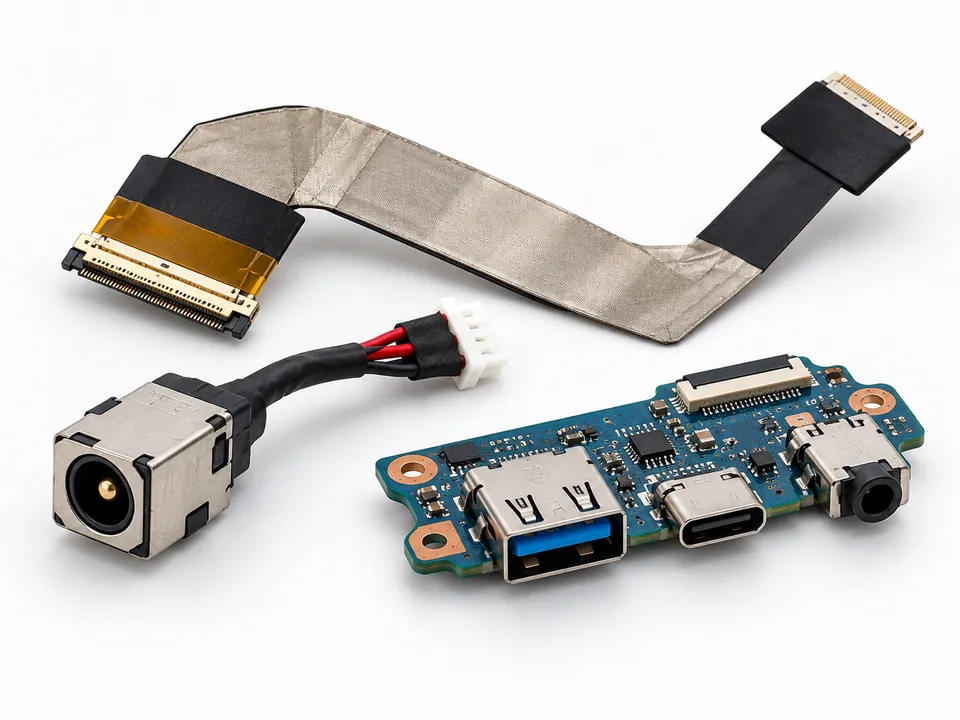
Charging faults, intermittent screen output and damaged USB, LAN or audio sockets may involve a DC jack, ribbon cable or I/O daughterboard. We can discuss connector inspection and repair suitability after diagnosis.

Wireless disconnections, missing networks and non-working wired or audio connections can involve drivers, settings, antenna cables or hardware. Replacement wireless cards and ports require compatibility checks.

Reduced battery backup, charging errors and unexpected power-off can indicate battery wear or charging-related faults. Battery model, connector type, voltage and manufacturer guidance must be checked before replacement. Swollen or damaged packs should not be opened or reused.
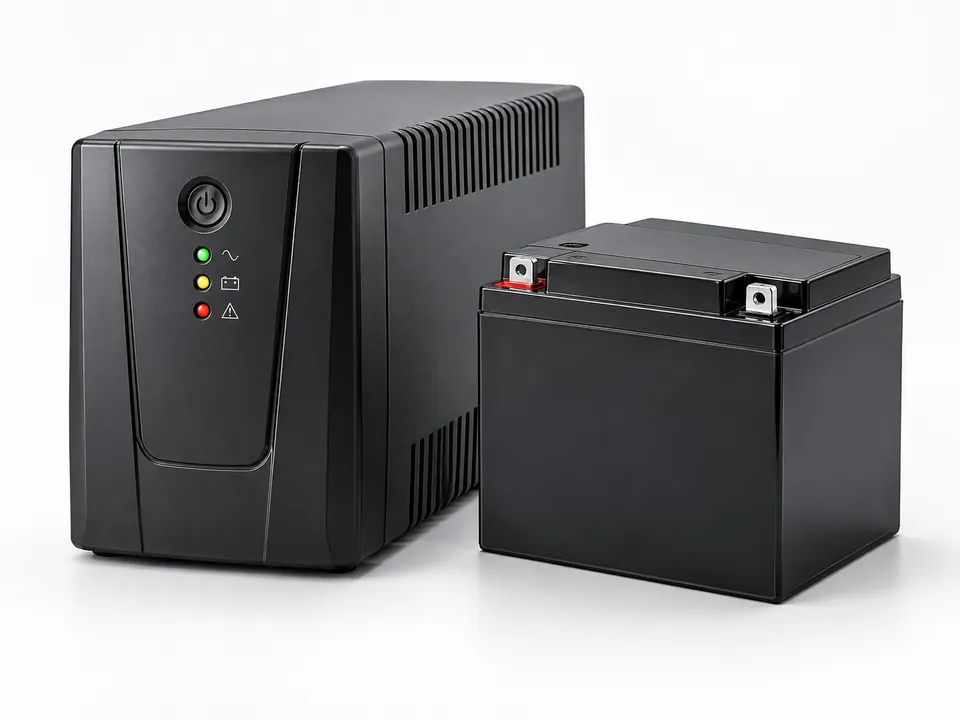
Is your desktop UPS beeping, not charging, switching off during a power cut or providing little backup? We can discuss UPS condition checks, battery health, replacement compatibility and service options. UPS equipment may contain hazardous electrical energy; internal servicing should be performed only by trained personnel with power safely isolated.
Bring the model details: A photo of the product label, exact desktop or laptop model, part number and a brief description of the problem can help us discuss the correct next step. Parts stock, cost, repair feasibility and warranty terms depend on the item.
Enquire About Computer Parts or UPS Service →A few details about the system help us understand the problem and recommend the right starting point.
Share whether the device is a desktop or laptop, its model if known, and what happens when you turn it on. Error messages and recent changes can also help.
Contact us by phone, WhatsApp or service ticket to discuss the next step. Diagnosis may be required before the exact fault and repair options can be confirmed.
We can explain relevant repair, replacement or upgrade considerations, including compatibility and the availability of parts, before you decide how to proceed.
Following applicable service work, the reported function can be checked. Ask about any remaining limitations, preventive care and recommendations for future use.
Before visiting: If your computer still works, back up important files where possible. Do not share account passwords in an open message; discuss secure access if needed for diagnostics. Repair times and costs depend on the fault and parts availability.
Book a Computer Service Ticket →Practical diagnosis, clear guidance and convenient contact from Sithalapakkam.
Our service location is in Sithalapakkam.
Desktop and laptop troubleshooting, SSD/RAM compatibility guidance.
Support enquiries for Wi-Fi, CCTV and office environments.
Call or WhatsApp before visiting to discuss the problem.
Ask about the right repair, compatible parts, data precautions and service feasibility for your device.
Hardware troubleshooting for desktops, laptops, SMPS, motherboard, drives and input devices; the repair options are discussed after checking the fault.
View service →Operating-system errors, drivers, updates and application setup; installation is based on device requirements and valid licences.
View service →Review suspicious pop-ups, unwanted programs and security problems, then discuss suitable cleaning and protection steps.
View service →Discuss accessible backups and recovery options for HDD, SSD and external drives; recoverability depends on drive condition.
View service →Check compatible RAM, SSD/HDD and suitable graphics-card (GPU) installation for slow or ageing systems before purchasing parts.
View service →Support enquiries for Wi-Fi, routers, LAN, printers, monitors and compatible device or peripheral connections.
View service →Preventive maintenance and recurring IT-support enquiries for suitable home-office, shop and business requirements.
View service →Discuss UPS backup issues, beeping, charging faults and compatible battery replacements after suitable assessment.
View service →Support enquiries for input devices, displays, external storage, connectors, common accessories and preventive cleaning.
Wired or wireless keyboards, optical and laser mice, graphics tablets and related detection or connection issues.
Monitor display problems, external speakers, headsets, microphones and webcam connectivity enquiries.
External HDDs, SSDs, flash drives, desktop UPS systems, power strips and surge protectors; verify compatibility and condition.
USB hubs, USB-C, HDMI and DisplayPort cables, Ethernet adapters, Bluetooth and Wi-Fi dongles and driver compatibility.
Laptop/monitor stands, mouse pads, wrist rests, desk pads and useful desktop-accessory enquiries.
PC cabinet and keyboard cleaning, cooling-fan checks and thermal paste service where inspection shows it is appropriate.
Warranty & service terms: Spare-part warranty, protection plans, labour charges, pickup/drop arrangements and availability must be confirmed directly before any work.
Share the exact laptop make and model so part availability and compatibility can be discussed.
Compatible AC adapters, laptop battery packs and charging-port or DC-jack concerns; exact model matching is essential.
LCD/LED/OLED display enquiries, flex cables, webcams, screen hinges and matching top/bottom casing assemblies.
Built-in keyboards, touchpads, clickpad ribbon cables and external mice or input accessories.
Compatible memory upgrades, SSD/HDD replacements, processor fans, heatsinks and dust-related thermal maintenance.
Motherboard and chip-level repair feasibility enquiries, USB/LAN ports, speakers and audio-jack faults after diagnosis.
Wireless cards, Bluetooth modules, connector boards and suitable cleaning accessories; availability varies by model.
Our shop is on Ottiambakkam Main Road, opposite Government High School. Contact us before visiting to discuss your device and service requirement.
Call Before Visiting →We provide reliable, friendly computer and laptop support for Sithalapakkam and surrounding South Chennai locations. Our team is here to help with repairs, upgrades, networking, CCTV and IT solutions.
We are at 2/274, Ottiambakkam Main Rd, Sithalapakkam, Tamil Nadu 600131.
Yes. Call or WhatsApp SS Computers with the device type and symptoms. We can explain the next step and whether inspection is recommended.
Yes. We assist home users, offices, shops and small businesses with computer and laptop service, upgrades, networking and IT maintenance requirements.
Yes. We can discuss checks involving the display, cable, memory and computer hardware. The actual cause needs inspection.
That depends on the computer's age, supported parts, current condition and how you use it. Share the model or existing specifications so compatibility can be reviewed.
Important data should be backed up before any repair or software work whenever possible. Some hardware or drive faults carry a risk of data loss, so tell us about important files before work begins.
We accept enquiries about Windows issues, drivers, software and printer connections. The specific service and any required licences are discussed based on the device and requirement.
Timing depends on the diagnosis, repair complexity and availability of compatible parts. Contact the service centre with the symptoms for guidance.
Tell us the device, model and problem. We'll guide you to the appropriate next step.