
Laptop Charging Port Repair in Chennai – Loose DC Jack & Charging Problems
Does your laptop charge only when the cable is held at a particular angle? Does the charging light flicker, or does the plug feel loose? These symptoms can point to a charging connector problem, but the charger, battery or internal charging circuit may also be involved.
If you need laptop charging port repair in Chennai, an inspection can help identify the fault before any parts are replaced. At SS Computers, customers in Sithalapakkam and nearby Chennai areas can ask about charging problems and suitable repair options.
1. Signs of a Loose or Damaged Laptop Charging Port
Common warning signs include:
- Charging starting and stopping during normal use
- The charging plug feeling unusually loose
- The laptop charging only at a particular cable angle
- A connector that no longer seats properly
- Visible damage around the charging socket
- The charging light flickering when the cable moves
- The laptop failing to recognise its charger
These signs do not prove that the port is faulty. A damaged charger cable or plug can produce similar symptoms. Avoid repeatedly moving the connector to make it charge; this can place more strain on damaged parts.
2. Common Causes of Charging Port Problems
A charging connector can develop problems after repeated use, accidental impacts or strain on the cable.
Possible causes include:
- Pulling the cable instead of holding the plug when disconnecting it
- A connected charger being knocked or pulled sideways
- A laptop falling while the charging cable is attached
- A worn or damaged charging plug
- Damage to the socket or its mounting points
- Liquid damage or corrosion
- Using a connector that does not fit the device correctly
The design varies by laptop. Some charging sockets connect through a cable or separate board, while others are attached to the motherboard. This affects the repair method.
3. Is the Fault in the Charger, Port or Battery?
A laptop that will not charge needs diagnosis rather than an immediate assumption that the socket must be replaced.
Charger and Cable
A charger may have a damaged cable, faulty plug or unsuitable output for the laptop. The technician should check whether the charger meets the device's requirements and operates correctly.
Charging Port
The socket may be loose, physically damaged or unable to make a reliable connection. Its wiring, mounting and connection to the board may need inspection.
Battery
A battery can lose capacity or stop accepting charge even when the charger and connector are working. See our laptop battery service for related support.
Internal Charging Circuit
The fault may involve the charging circuitry or other components inside the laptop. Replacing the external socket alone will not resolve every charging problem.
4. DC Jack and USB-C Charging: What Is Different?
Many laptops use a dedicated barrel-style charging socket, often called a DC jack. Others charge through USB-C.
For a dedicated DC jack, the plug size and charger specifications must match the laptop's requirements. A plug fitting into the socket does not establish that the charger is suitable.
For USB-C charging, the laptop, charger, cable and chosen port must support the required charging capability. Not every USB-C port accepts power, and not every USB-C charger or cable is suitable for every laptop.
Check the manufacturer's instructions or ask a technician to confirm compatibility. Avoid forcing either type of connector into place.
5. Charging Port Repair or Replacement
The appropriate work depends on the model and the condition of the connector, cable, board and mounting areas.
An inspection may identify a need for:
- Replacement of a damaged charging socket
- Replacement of a socket-and-cable assembly
- Repair or replacement of a separate charging board
- Specialist attention to a board-mounted connector
- Further diagnosis of the charging circuit
- A compatible replacement charger rather than a port repair
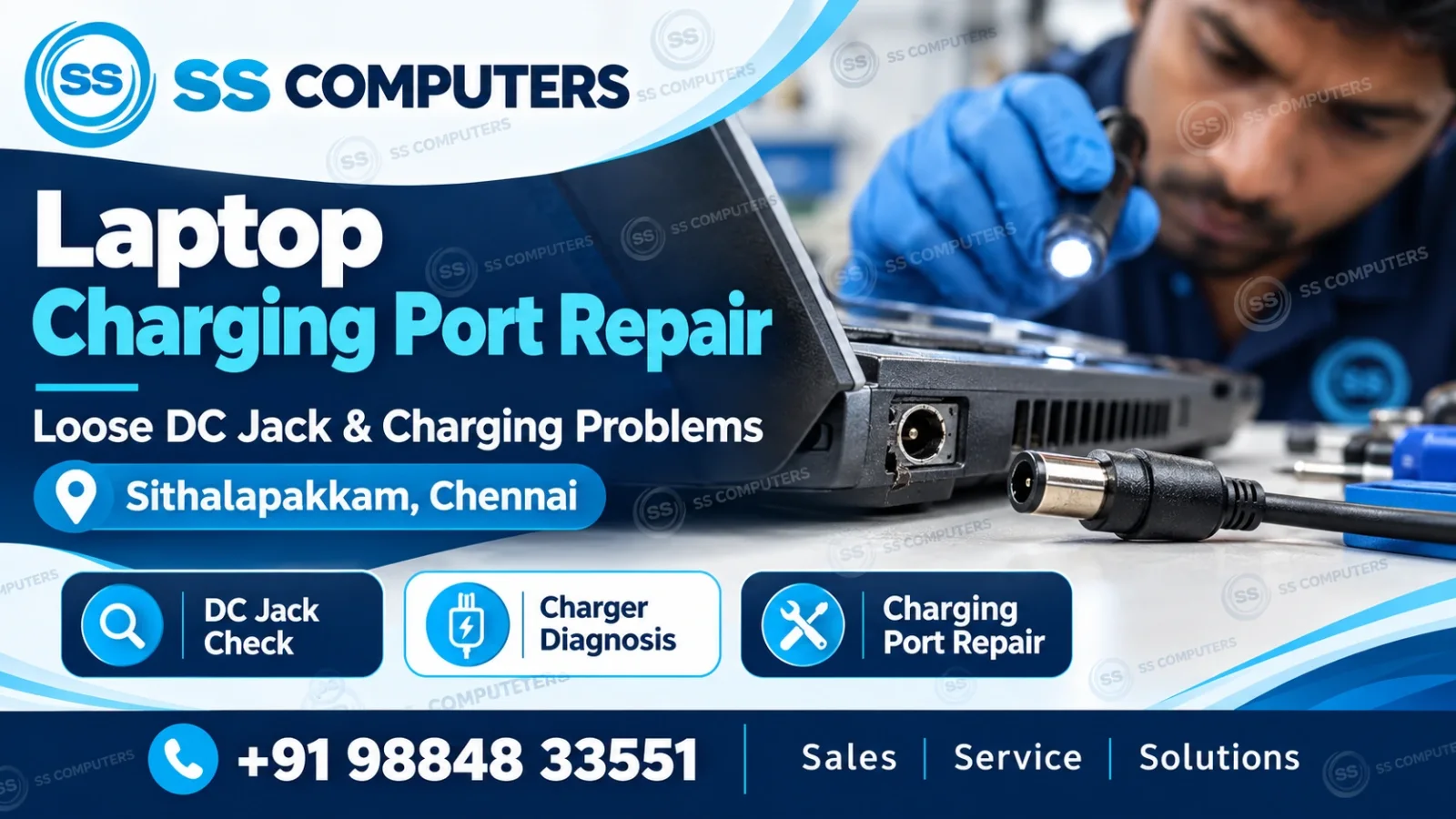
For laptop repair support, ask for an explanation of the fault, proposed work and estimated cost before proceeding. Parts availability, labour and the extent of damage affect the repair time and price.
6. What to Do Before Bringing Your Laptop for Repair
If the connection is unreliable, stop placing pressure on the plug to keep it charging.
- Shut down the laptop before inspecting the outside of the connector.
- Check for visible cable damage without bending or pulling it.
- Do not insert metal tools or other objects into the charging socket.
- Do not apply glue to secure a loose charging plug.
- Avoid forcing a plug that does not fit smoothly.
- Bring the charger and cable with the laptop for inspection.
- Note whether charging fails continuously or only when the cable moves.
- Back up important files if the laptop can be used safely.
Stop using the charger or laptop if you notice smoke, sparking, a burning smell or damaged exposed wiring. Seek service advice. If the battery or casing appears swollen, do not press it back into shape or continue charging the device.
7. Can a Loose Charging Port Damage Other Parts?
Continued movement can worsen damage to the connector or its surrounding mounts. Depending on the design, it can also strain wiring or board connections.
Early inspection can help identify the problem before further use makes the repair more involved. If the laptop charges only when the cable is pushed sideways, treat that as a reason to arrange service rather than a lasting workaround.
8. Laptop Charging Port Repair in Sithalapakkam, Chennai
Customers can contact SS Computers in Sithalapakkam for help with loose charging sockets, damaged DC jacks and laptop charging faults.
Useful details to include in your service request are:
- Laptop brand and model
- Whether it uses a dedicated charger or USB-C
- Whether the charging light comes on
- Whether the laptop works on battery power
- Any recent drop, liquid exposure or cable damage
- Whether the charger is the original one or a replacement
Use the Book Ticket form or contact SS Computers to discuss the next step. Bring the charger so that the device and power supply can be checked together.
Frequently Asked Questions
My Laptop Charges Only at One Angle. Is the Port Broken?
It may be a connector problem, but the charger plug or cable can also be responsible. Avoid repeatedly bending the cable and arrange an inspection.
Can Every Laptop Charging Port Be Replaced Separately?
No. The construction differs between models. Some use a separate assembly, while others require work on a board-mounted connector. An inspection establishes the suitable approach.
Does “Plugged In, Not Charging” Always Mean a Bad Port?
No. Battery condition, charger compatibility, charging settings and internal faults can also affect charging. The message alone does not identify the failed part.
How Much Does Laptop DC Jack Repair Cost in Chennai?
The cost depends on the model, damage, parts and labour required. Ask for an estimate after diagnosis rather than assuming that all charging sockets need the same repair.
Should I Bring My Charger to the Service Centre?
Yes. Checking the laptop with its charger and cable helps distinguish a power-supply problem from a fault in the device.
How Long Does Charging Port Repair Take?
The time depends on the repair method and availability of compatible parts. Request an estimated completion time after inspection.
Need Help with a Laptop Charging Problem?
For laptop charging port repair in Chennai, contact SS Computers or book a service request. Explain whether the connection is loose, charging is intermittent or the laptop does not recognise its charger.
SS Computers – Sales | Service | Solutions