
Graphics Card Repair in Chennai – GPU No Display, Artifacts, Overheating & Performance Problems
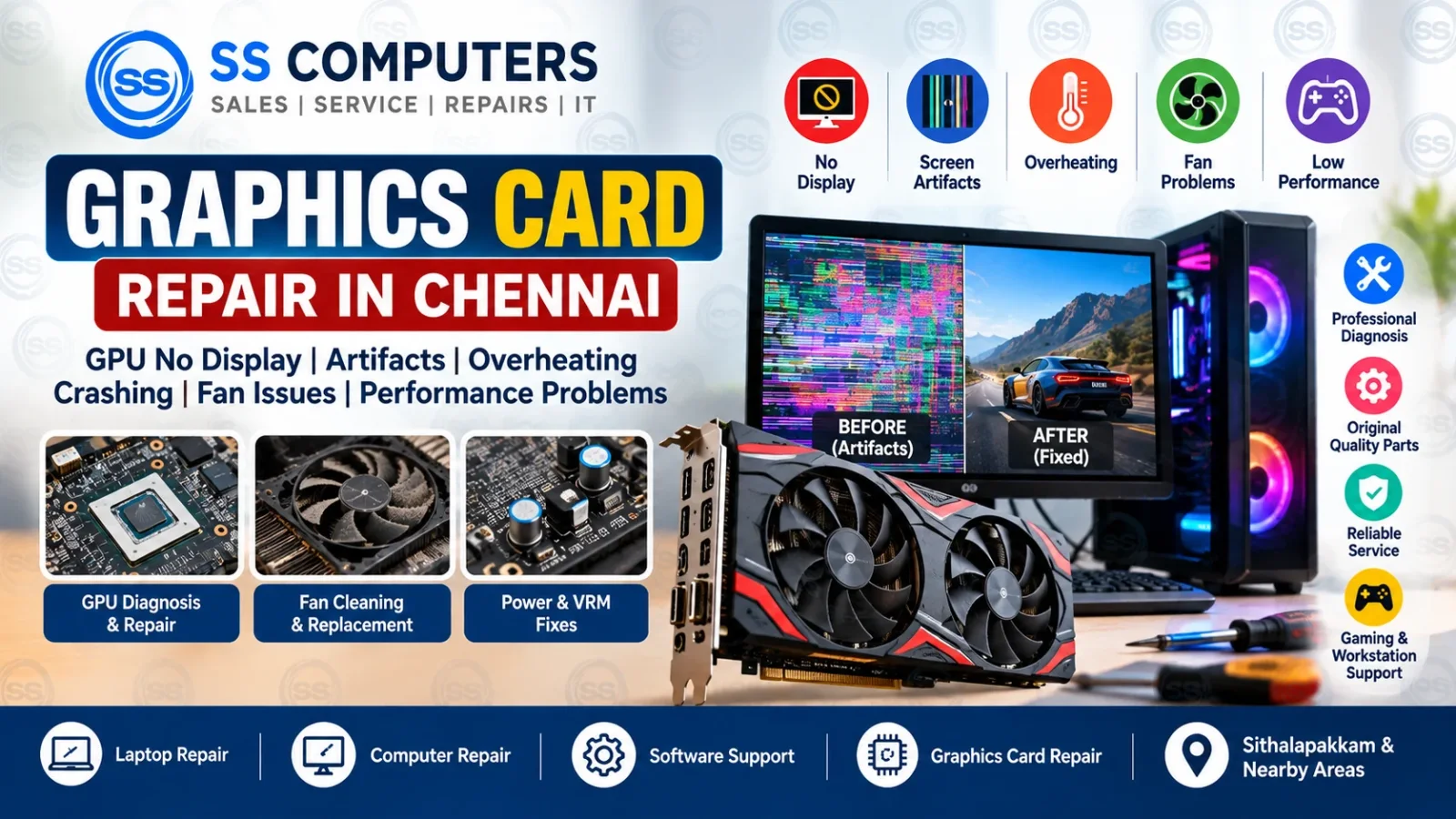
A graphics card, also called a GPU, is responsible for producing the image you see on a computer monitor. It is especially important for gaming systems, design workstations, video editing PCs, CAD applications and other graphics-intensive tasks.
When a graphics card develops a problem, the computer may show no display, screen artifacts, coloured lines, freezing, driver crashes, overheating, fan problems or poor performance.
SS Computers provides graphics card diagnosis and repair support in Sithalapakkam, Chennai, with service for nearby areas including Medavakkam, Perumbakkam, Ottiambakkam and Sholinganallur.
Before replacing an expensive GPU, the computer should be diagnosed properly because similar symptoms can also be caused by RAM, power supply, motherboard, software or monitor problems.
For complete desktop troubleshooting, visit our Computer Repair in Chennai service page.
Common Graphics Card Problems
Graphics card faults can appear in different ways depending on the hardware and the type of failure.
Common symptoms include:
- No display from the graphics card
- Screen artifacts or coloured blocks
- Horizontal or vertical lines
- Computer freezing during games
- Driver crashes
- Sudden black screen
- GPU overheating
- Graphics card fan not spinning
- Loud fan noise
- Low gaming performance
- System restarting under load
- Windows not detecting the GPU
If you notice these symptoms, the graphics card and related components should be tested before replacement.
1. Graphics Card No Display
One of the most common GPU problems is no display.
The computer may switch on normally, but the monitor remains black when connected to the graphics card.
Possible causes include:
- Faulty GPU
- Power connector problem
- PSU issue
- Motherboard PCIe slot problem
- RAM fault
- BIOS setting
- Display cable or monitor issue
The first step is to check whether the monitor, cable, RAM and power supply are working correctly.
For no-display symptoms related to other hardware, read our Motherboard Repair in Chennai article.
2. Screen Artifacts and Coloured Lines
Graphics artifacts may appear as:
- Coloured blocks
- Random dots
- Flickering patterns
- Broken textures
- Strange lines
- Distorted images
Artifacts can be caused by GPU overheating, memory problems, unstable drivers, damaged VRAM or a failing graphics card.
If similar lines appear only on a laptop screen and not on an external display, the problem may be related to the laptop display instead.
See our Laptop Screen Repair in Chennai guide for screen-specific problems.
3. GPU Overheating
Graphics cards can produce a large amount of heat, especially during gaming, rendering or editing.
Overheating may be caused by:
- Dust buildup
- Blocked airflow
- Weak or damaged fans
- Dried thermal paste
- Heavy continuous usage
- Poor cabinet ventilation
A GPU that overheats may throttle performance, crash applications, display artifacts or shut down the computer.
For general heat-related computer problems, read Laptop Overheating & Automatic Shutdown.
4. Graphics Card Fan Not Working
If the GPU fan does not spin, the graphics card may overheat quickly.
Possible reasons include:
- Fan motor failure
- Damaged fan connector
- Dust blockage
- Fan controller problem
- Zero-RPM fan mode on some modern cards
Some graphics cards keep their fans stopped at low temperatures, so fan behaviour should be checked under load before deciding that the fan is faulty.
If the fan is physically damaged or noisy, cleaning or replacement may be required.
5. Computer Crashes During Gaming
If the computer freezes, restarts or shows a black screen while gaming, the graphics card may be under stress.
Possible causes include:
- GPU overheating
- Driver problem
- Insufficient power supply
- Faulty GPU
- Unstable RAM
- Motherboard issue
- Game or Windows software problem
It is important to test the system under controlled load before replacing the graphics card.
For Windows and driver-related faults, visit our Computer Software Support.
6. Poor GPU Performance
A graphics card may still work but perform much slower than expected.
Possible causes include:
- Driver problems
- Thermal throttling
- Dust buildup
- Low power delivery
- Background software
- Incorrect graphics settings
- CPU bottleneck
- Faulty hardware
Performance problems should be checked using temperatures, clock speeds, drivers and system usage before hardware replacement.
7. Windows Does Not Detect the Graphics Card
If the graphics card is missing from Device Manager or Windows does not load the correct driver, possible causes include:
- Driver corruption
- GPU power issue
- Loose card connection
- PCIe slot problem
- BIOS setting
- Graphics card fault
The graphics card should be reseated and tested along with the power cables and motherboard slot.
8. Power Supply Problems That Look Like GPU Failure
A graphics card may appear faulty when the actual problem is the power supply.
High-performance graphics cards require stable power through the PCIe slot and dedicated power connectors.
A weak or failing PSU can cause:
- Black screen
- Random restart
- Crash under load
- GPU not detected
- Performance instability
The PSU should be tested before an expensive GPU is replaced.
For broader desktop hardware issues, see Computer Repair in Chennai.
9. Graphics Driver Problems
Driver problems can cause:
- Screen flickering
- Black screen after Windows starts
- Driver timeout messages
- Application crashes
- Low performance
- Incorrect resolution
A clean driver reinstall may solve software-related problems.
For software troubleshooting, visit our Computer Software Support.
Graphics Card Problem or Motherboard Problem?
GPU and motherboard faults can sometimes produce similar symptoms.
Useful checks may include:
- Testing another monitor or cable
- Testing integrated graphics if available
- Checking RAM
- Testing the GPU in another compatible system
- Testing another graphics card
- Checking PSU output
- Checking motherboard PCIe slot
- Inspecting BIOS settings
If the graphics card is not detected even after these checks, GPU or motherboard diagnosis may be required.
Read our Motherboard Repair in Chennai article for related board-level issues.
Can a Graphics Card Be Repaired?
Some graphics card faults may be repairable, while others may require replacement.
The correct decision depends on:
- Type of fault
- GPU model
- Board condition
- Availability of components
- Repair cost
- Replacement cost
Diagnosis should be completed before deciding whether repair or replacement is practical.
Gaming PC Graphics Card Support
Gaming PCs place heavy load on graphics cards.
Common gaming-related complaints include:
- FPS drop
- Screen tearing
- Driver crashes
- Black screen
- System restart
- GPU overheating
- Fan noise
A full check may include GPU temperatures, PSU condition, drivers, RAM, storage and cooling.
Workstation GPU Problems
Design, CAD, rendering and video-editing systems can also suffer from graphics card issues.
Possible symptoms include:
- Application crashes
- Render failure
- Display corruption
- Slow performance
- GPU memory errors
The graphics card, software compatibility and system configuration should all be checked.
Graphics Card Repair Service Areas in Chennai
SS Computers is based in Sithalapakkam, Chennai and supports customers from nearby areas including:
Customers can contact us with the graphics card model and symptoms before visiting.
Graphics Card Repair FAQ
Why does my graphics card show no display?
Possible causes include the GPU, PSU, motherboard slot, RAM, monitor cable, BIOS or driver problems. Diagnosis is required before replacement.
Why are coloured lines appearing on my screen?
Screen artifacts may be caused by GPU overheating, VRAM problems, driver issues or a failing graphics card.
Why does my PC restart while gaming?
Possible causes include GPU overheating, PSU problems, unstable RAM, graphics card faults or other hardware issues.
Can a graphics card fan be replaced?
In many cases, a damaged or noisy graphics card fan can be replaced if a compatible part is available.
Do you provide graphics card repair near Medavakkam?
SS Computers is based in Sithalapakkam, Chennai and supports nearby locations including Medavakkam, Perumbakkam, Ottiambakkam and Sholinganallur.
Related Computer Services
For related problems, visit:
- Computer Repair in Chennai
- Laptop Repair in Chennai
- Computer Software Support
- Motherboard Repair in Chennai
- Laptop Screen Repair in Chennai
- Laptop Overheating & Automatic Shutdown
Need Graphics Card Repair in Chennai?
If your computer has GPU no display, screen artifacts, overheating, crashing, fan problems or poor graphics performance, professional diagnosis can help identify whether the problem is caused by the graphics card, power supply, motherboard or software.
Book a Service Ticket or Contact SS Computers for graphics card diagnosis and repair support in Chennai.