
Laptop Charging Port Not Working – Causes, Solutions & DC Jack Repair in Chennai
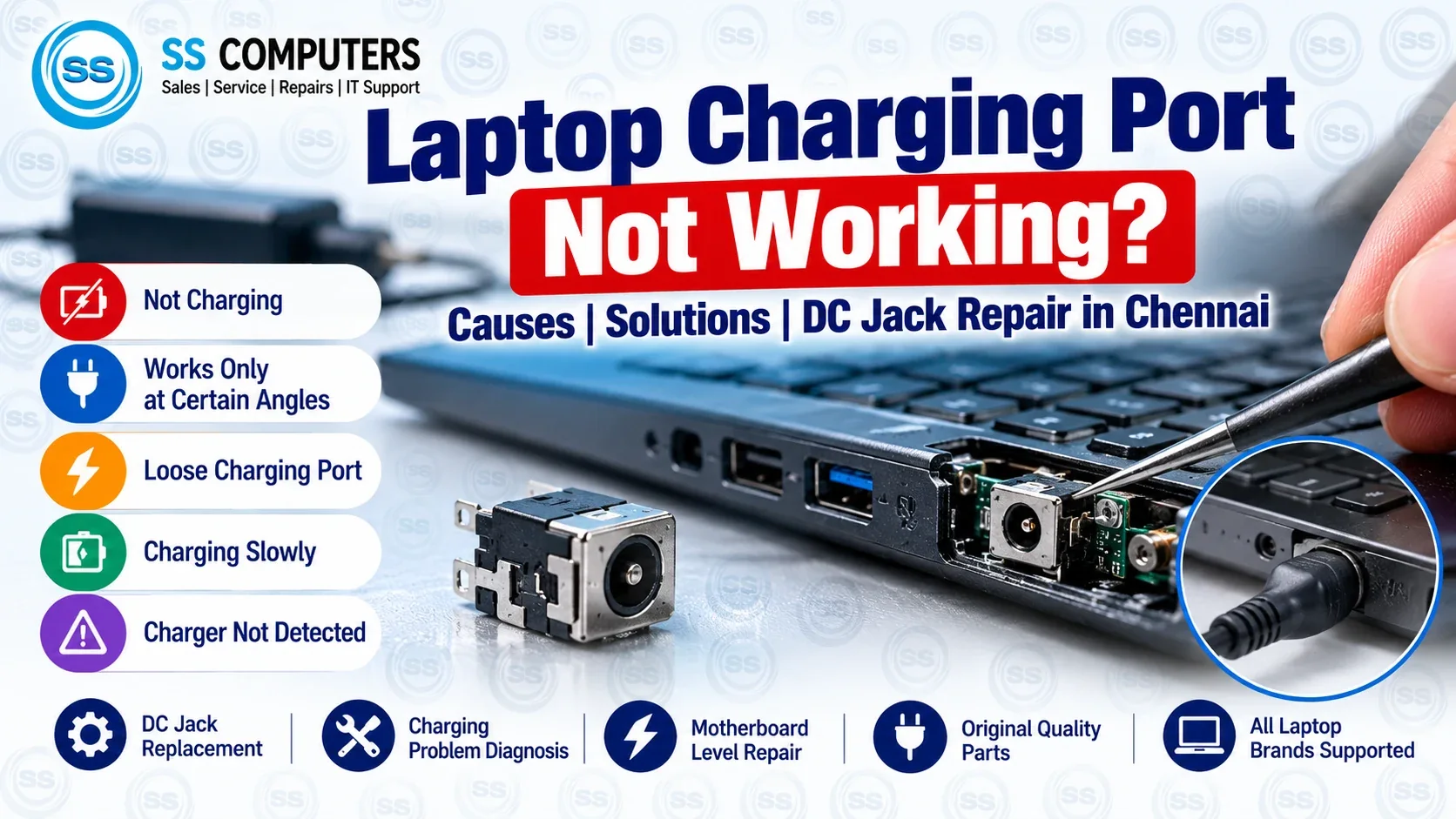
Menu Title: Laptop Charging Port Repair – Causes & Solutions
Short Excerpt: Laptop not charging or working only when the charger is held at an angle? Learn common DC jack and USB-C charging port problems, safe checks, and repair options at SS Computers in Sithalapakkam, Chennai.
Is your laptop not charging, showing “plugged in, not charging”, or charging only when you move the power connector? The charging port, adapter, battery, or motherboard power circuit could be responsible. At SS Computers in Sithalapakkam, Chennai, we help troubleshoot laptop charging problems before recommending a replacement part.
Signs of a laptop charging port problem
- The charger works only when held at a particular angle.
- The charging connector feels loose or the port looks damaged.
- Charging stops and starts when the cable moves.
- The laptop does not recognize a connected adapter.
- The charging LED flickers or the laptop will not power on.
- The connector or cable becomes unusually hot.
Safety: If you notice heat, smoke, sparks, a burning smell, or a visibly damaged charger/port, disconnect power immediately and seek professional assistance. Do not keep moving or forcing the plug.
Why is my laptop charging port not working?
1. Worn or damaged DC power jack
Repeated insertion, cable tension, or accidental pulls can loosen or damage a barrel-type DC jack. Some models have a separate replaceable DC-in cable, while others have a port soldered to the motherboard.
2. Faulty charging adapter or cable
A frayed cable, incorrect voltage/wattage, or failing adapter can look like a bad laptop port. Use a manufacturer-approved or compatible charger of the correct rating.
3. USB-C charging incompatibility
Not every laptop USB-C port supports charging. A USB-C power supply or cable with insufficient power-delivery capability can cause slow charging or no charging. Check the laptop manufacturer's specifications.
4. Battery or charging-circuit issue
A failing battery, damaged charging controller, or motherboard component may prevent charging even when the connector is intact. A diagnosis helps distinguish these causes.
5. Dust, debris or physical connector damage
Visible debris, bent contacts, or corrosion can interrupt a reliable connection. Avoid inserting metal objects into ports or attempting wet cleaning while powered.
Safe steps to try before booking a repair
- Check the wall socket and make sure the adapter is firmly plugged in.
- Inspect the charger and port for visible damage, overheating, or a loose fit; stop using damaged equipment.
- Check compatibility: match the charger type and wattage to the laptop's requirements.
- Restart the laptop if it can still start and confirm whether charging status changes.
- Review the manufacturer's charging guidance for your specific model. Do not open the laptop or attempt soldering without appropriate training.
Does a laptop DC jack need replacement?
If testing confirms a damaged jack, the repair depends on the model. Some DC-in ports are part of a replaceable cable assembly; others require board-level work. USB-C power ports may also need specialized diagnosis. The battery or charger should not be replaced without checking which part is faulty.
Charging port and laptop repair in Sithalapakkam, Chennai
SS Computers helps customers with laptop charging diagnostics, DC jack issues, compatible adapters, hardware repair enquiries, and related computer service needs. A proper inspection is needed to confirm the cause, parts availability, repair feasibility, and price.
Explore our related services:
Frequently asked questions
Why does my laptop charge only at a certain angle?
A loose or worn port or connector is one possibility, but the charging cable itself may also have an intermittent fault. Stop forcing the plug and have the laptop and adapter checked.
Can I charge my laptop through any USB-C port?
No. The laptop port must support power input, and the adapter/cable must meet the model's power requirements.
Can a damaged charging port affect the motherboard?
Physical damage, shorts, or overheating may affect other components. Continued use of a loose, hot or sparking connector can increase risk.
How much does a DC jack repair cost in Chennai?
Costs depend on the laptop model, port design, required parts, and whether motherboard-level repair is needed. Ask for a diagnosis and quotation.
Is a charging problem always caused by the DC jack?
No. The adapter, cable, battery, USB-C power negotiation, or internal charging circuit can produce similar symptoms.
Need a laptop charging port checked? Visit SS Computers in Sithalapakkam, Chennai for repair guidance and available service options.