
Hard Disk (HDD)
Drives that are not detected, make unusual noises or show read errors.
SS COMPUTERS • CHENNAI
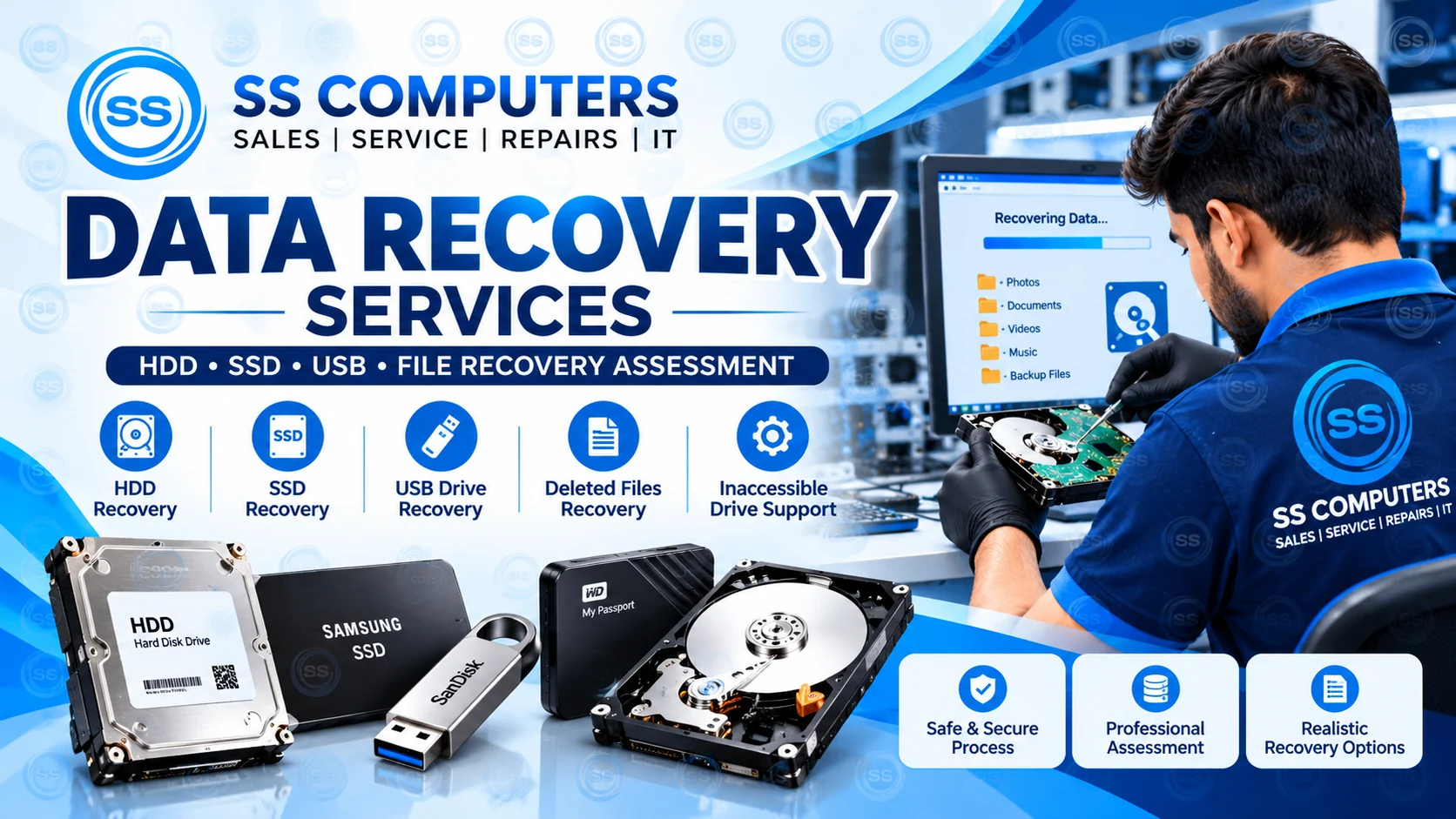
Lost important photos, office documents or business files? If your HDD, SSD, pen drive or external disk is not opening, SS Computers helps assess the problem, protect remaining data and explain realistic next steps.
Recovery is not guaranteed. Options depend on device condition, fault type and previous attempts.
OUR SERVICES
Assessment-led support for common data access and storage problems.
Drives that are not detected, make unusual noises or show read errors.
SSD recognition problems, inaccessible partitions and file access issues.
USB drives, portable disks and removable media that cannot be opened.
Initial review of accidental deletion, formatting or missing folders.
Help assessing files on laptops with startup or storage-related faults.
Clear next steps, including when specialist laboratory recovery may be required.
IMPORTANT FIRST STEPS
If you suspect storage damage or file loss, avoid actions that could make recovery harder.
WHEN TO CONTACT US
These symptoms can indicate a file-system problem, connection issue or physical storage fault. Diagnosis is needed to identify the cause.
Your HDD, SSD or external drive does not appear in Windows or the computer cannot find its storage.
Important documents, photos or folders were deleted or a partition was formatted.
Files cannot be opened, folders show errors or a storage device requests formatting.
Clicking, grinding or repeated disconnects may signal a failing drive. Stop using it and seek advice.
OUR APPROACH
We focus on informed decisions and avoiding unnecessary risk to important files.
Tell us the device, symptoms, when the issue began and any previous recovery attempts.
We review the symptoms and determine what checks are appropriate for the device condition.
We explain potential risks, limitations, costs where assessable and whether specialist help is needed.
Proceed only after discussing a suitable approach. No recovery outcome is guaranteed.
DATA RECOVERY SUPPORT IN CHENNAI
Visit SS Computers in Sithalapakkam, Chennai to discuss storage problems affecting home computers, office desktops, laptops, USB drives and external hard disks.
We also assist customers from nearby areas such as Medavakkam, Perumbakkam, Ottiambakkam and Sholinganallur with suitable assessments.
Contact SS Computers →FREQUENTLY ASKED QUESTIONS
No. Recovery depends on the condition of the storage device, the type of failure, whether data was overwritten and other factors. We do not guarantee results.
It's safer to stop using the affected drive, especially if the files are important. Continued use can overwrite data or worsen some faults.
We can discuss the symptoms and assess suitable next steps. Some failures require specialist recovery facilities.
Pricing depends on the device, fault and recovery approach. Contact us with the details for an assessment and guidance.
Stop powering on a clicking or physically damaged disk. We can discuss the symptoms and advise whether specialist laboratory recovery is more appropriate.
Not always. Installing software or repeatedly scanning a failing drive can increase risk. Ask for advice before attempting recovery, especially when the files are important.
Yes. We can assess common laptop and desktop storage access symptoms and explain appropriate options based on the device condition.
Contact SS Computers in Sithalapakkam to discuss your storage issue.