
New vs Refurbished Laptop in Chennai – Which One Should You Buy?
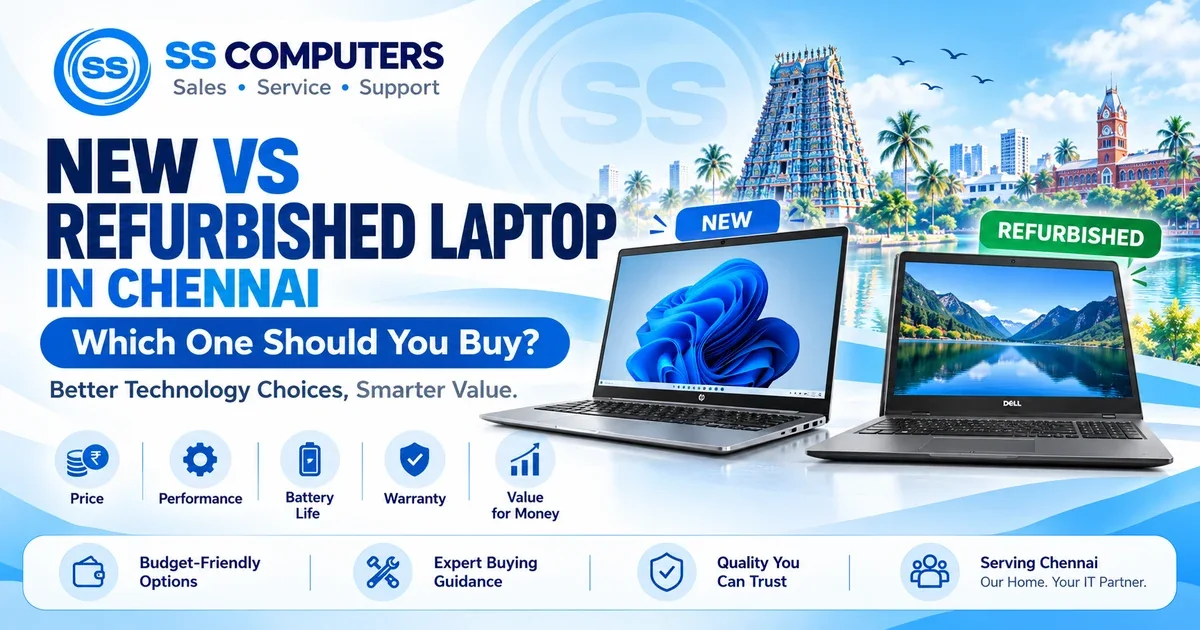
Buying a laptop is an important decision, whether you are a student, working professional, business owner or home user in Chennai.
One of the most common questions customers ask is: Should I buy a new laptop or a refurbished laptop?
Both options have advantages. A new laptop generally offers the latest hardware choices and manufacturer warranty, while a properly inspected refurbished laptop can provide useful performance at a lower purchase price.
At [SS Computers](https://sscomputers.in/), Sithalapakkam, Chennai, we help customers compare laptop configurations, understand specifications and select suitable options based on their requirements, budget and current availability.
This guide explains the differences so you can make an informed decision.
1. What Is the Difference Between a New and Refurbished Laptop?
A new laptop is an unused device sold through an authorised or other legitimate retail channel, normally with its original manufacturer warranty.
A refurbished laptop is a previously owned or used laptop that has been inspected and, where necessary, repaired, cleaned or upgraded before resale.
The exact refurbishment process and quality can vary between sellers.
A refurbished laptop is not necessarily a poor-quality laptop. However, its performance and reliability depend on its model, age, condition, refurbishment quality and remaining component life.
SS Computers Tip: Always compare the exact processor model, RAM, SSD, battery condition and warranty terms—not just whether the laptop is new or refurbished.
2. Price and Value for Money
Price is one of the biggest reasons customers consider refurbished laptops.
A refurbished business-class laptop may be available at a lower price than a new laptop with broadly comparable everyday capabilities.
However, a lower price does not automatically mean better value.
Before comparing prices, consider:
- Processor model and generation
- Installed RAM
- SSD capacity and condition
- Battery health
- Display quality and resolution
- Physical condition
- Warranty and service terms
- Operating system compatibility
SS Computers Tip: Compare the total value of the laptop, including condition, necessary upgrades and warranty, rather than focusing only on the purchase price.
Browse Available Refurbished Computers and Laptops or explore New Computer and IT Products.
3. Performance: Is a New Laptop Always Faster?
Not necessarily.
Performance depends on the processor, RAM, storage, cooling system and the applications being used.
For example, a well-maintained refurbished business laptop with sufficient RAM and a healthy SSD can perform well for browsing, office documents, accounting, online classes and many everyday tasks.
A modern new laptop may offer advantages in processor efficiency, integrated graphics, battery life and support for newer hardware features.
SS Computers Tip: Ask about actual processor models and software requirements rather than choosing only by Intel Core i5, i7 or AMD Ryzen labels.
4. Warranty and Reliability
Warranty is an important consideration when purchasing either type of laptop.
New Laptop
New laptops generally include a manufacturer warranty, subject to the product's warranty terms and exclusions.
Refurbished Laptop
Refurbished laptops may come with a seller warranty, service warranty or other limited coverage. The terms vary by seller and individual product.
Before buying, confirm:
- Warranty duration
- Components covered
- Battery and charger coverage
- Exclusions and service conditions
- Replacement or return terms, if offered
SS Computers Tip: Request warranty details in writing and understand exactly what is covered before purchasing.
5. Battery Life and Charging
New laptops usually begin with a new battery, while refurbished laptops may have batteries that have already experienced charging cycles and usage.
A refurbished laptop battery should be inspected to understand its health and practical backup time.
Important battery checks include:
- Battery health report, where available
- Actual runtime under normal use
- Charger compatibility
- Charging-port condition
- Battery replacement availability
Battery performance depends on the device model, workload and condition.
SS Computers Tip: If you regularly travel, attend classes or work away from a power socket, place particular importance on battery condition.
For battery-related concerns, visit our Laptop Battery and Charger Support page.
6. Which Laptop Is Better for Students?
Students often need laptops for online classes, projects, assignments, browsing and presentations.
For these requirements, a suitably configured refurbished laptop can be a practical option when affordability is important.
Consider a new laptop when longer battery life, newer hardware, portability or specific manufacturer support is a priority.
Recommended checks for students
- Suitable processor for educational applications
- At least 8GB RAM for many everyday tasks
- SSD storage
- Working webcam and microphone
- Stable Wi-Fi connectivity
- Comfortable keyboard and display
- Suitable battery backup
SS Computers Tip: Match the laptop configuration to the student's course and software requirements before purchasing.
7. Which Laptop Is Better for Office and Business Use?
Office users and business owners may need laptops for spreadsheets, billing, accounting, presentations, email and video meetings.
A refurbished business-class laptop can be an option for users who need reliable everyday productivity without paying for unnecessary high-end specifications.
New laptops can be preferable when businesses need:
- Newer-generation hardware
- Consistent specifications across multiple employees
- Manufacturer warranty and support
- Longer expected software support
- Specific business security features
- Particular application compatibility
SS Computers Tip: Business buyers should consider the complete cost of ownership, including maintenance, upgrades, warranty, software and potential downtime.
SS Computers also provides Computer AMC and IT Maintenance Services for supported business requirements.
8. Windows 11 and Software Compatibility
Operating system compatibility is an important part of the decision.
Some older refurbished laptops may not meet the official hardware requirements for Windows 11.
Before purchasing, verify:
- Supported processor
- TPM 2.0 availability
- Secure Boot capability
- Suitable RAM and storage
- Required device drivers
- Genuine software licensing
- Compatibility with essential applications
Newer laptops may offer a longer useful software-support window, but that depends on the individual model.
SS Computers Tip: If your work depends on specific software, check the official hardware and operating system requirements before choosing a laptop.
9. Which Option Is Better for the Environment?
Extending the usable life of existing electronics can help reduce demand for new manufacturing and avoid premature electronic waste.
Choosing a functional refurbished laptop can therefore be a useful way to extend the life of a device.
However, environmental benefits depend on factors such as product lifespan, refurbishment requirements, energy efficiency and how the equipment is eventually recycled.
SS Computers Tip: Whether you buy new or refurbished, maintain your laptop properly and use responsible electronic-waste recycling when it reaches the end of its useful life.
10. New vs Refurbished Laptop – Which Should You Choose?
Choose a New Laptop If:
- You want newer hardware features.
- Manufacturer warranty is a major priority.
- You need a particular current-generation configuration.
- You frequently work away from power outlets.
- You need software compatibility that older hardware cannot provide.
Choose a Refurbished Laptop If:
- You have a limited budget.
- You primarily use office, browsing or educational applications.
- You find a thoroughly checked laptop with suitable specifications.
- The battery and other major components are in acceptable condition.
- The warranty and service terms meet your expectations.
The better choice depends on the laptop's condition, performance, price and suitability for your work.
Where to Buy New and Refurbished Laptops in Chennai
SS Computers has been serving customers in Chennai since 2007, providing computer sales, repair, upgrades, networking and IT support.
Customers from Sithalapakkam, Medavakkam, Perumbakkam, Sholinganallur, Semmancheri, Ottiambakkam, Ponmar and surrounding areas can contact us to discuss available laptop and computer options.
Explore SS Computers Products and Services
- SS Computers Official Website
- New Computers and IT Products
- Refurbished Computers and Laptops
- Refurbished Laptop Sales and Buying Guidance
- Computer and Laptop Service in Sithalapakkam
- Contact SS Computers
Product specifications, pricing, warranty terms and stock availability should be confirmed before purchasing.
Frequently Asked Questions
Is a refurbished laptop worth buying in Chennai?
A refurbished laptop can be worthwhile when it meets your performance requirements, has been properly checked and comes with acceptable condition and warranty terms.
How long will a refurbished laptop last?
Its remaining useful life depends on age, component condition, previous usage, maintenance and future workloads. No fixed lifespan can be guaranteed.
Can I upgrade RAM and SSD in a refurbished laptop?
Many laptops support RAM or SSD upgrades, but some have soldered memory or other restrictions. Compatibility must be checked for the exact model.
Is a new laptop always better than a refurbished laptop?
No. A new laptop may provide better battery life, newer technology and manufacturer support, while a refurbished laptop may provide better value for certain budgets and everyday uses.
Can SS Computers help me choose a laptop?
Yes. Contact SS Computers with your budget, preferred brand, intended usage and software requirements to discuss suitable options and current availability.
Final Thoughts – Buy the Laptop That Fits Your Needs
A laptop should be selected based on what you actually need it to do.
Whether you choose a new or refurbished model, compare processor performance, RAM, SSD storage, battery health, display quality, software compatibility and applicable warranty terms.
The right laptop is the one that delivers suitable performance, dependable usability and good value for your requirements.
Contact SS Computers – Chennai
SS Computers – Sales | Service | Support
Serving Chennai Since: 2007
Address: 2/274, Ottiambakkam Main Road, Sithalapakkam, Chennai – 600131.
Call: +91 98848 33551
WhatsApp: Chat With SS Computers
Website: https://sscomputers.in/
Send us your budget, preferred laptop brand and intended usage so we can help you compare available new and refurbished options.
SS Computers – Better Technology Choices, Smarter Value.